 Mathaster
Bedding
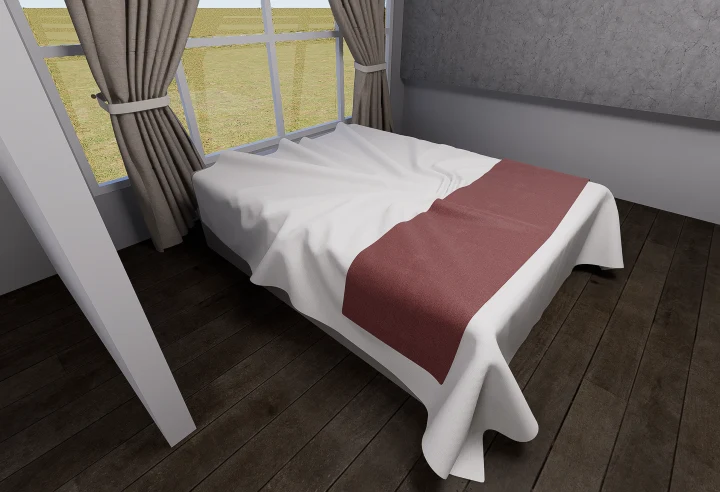
Fitted sheets, bed covers, duvets and runners, layered on 3.5, 5 and 6 ft mattresses or on your own bed model.
3D FABRIC SIMULATION FOR WINDOWS
Create and style 3D fabrics for interior visualization, from a single fold in a bed sheet to a wall of full-height curtains.
14-day free trial · No account required
FEATURES
Fitted sheets, bed covers, duvets and runners, layered on 3.5, 5 and 6 ft mattresses or on your own bed model.
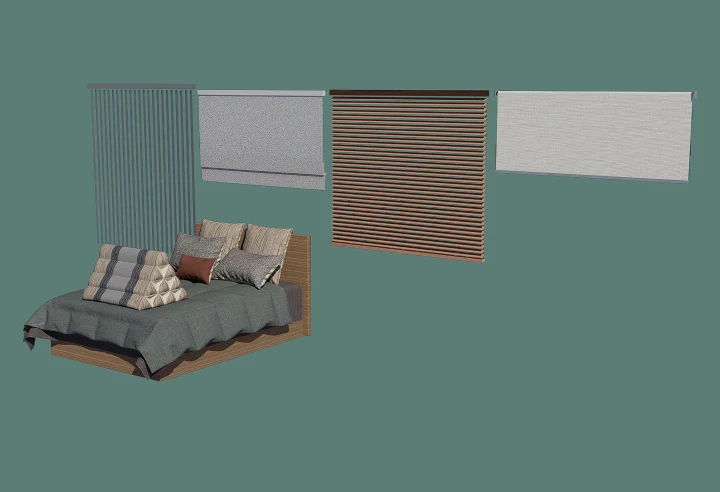
Standard sizes, buttons, piping, bolsters and Thai triangle cushions, with a material for every panel.
Single or double rail (sheer inside, blackout outside), rod or wall and ceiling track, 0–100% open and tiebacks.
Several blind styles, including Venetian and Roman, raised and lowered as you need.
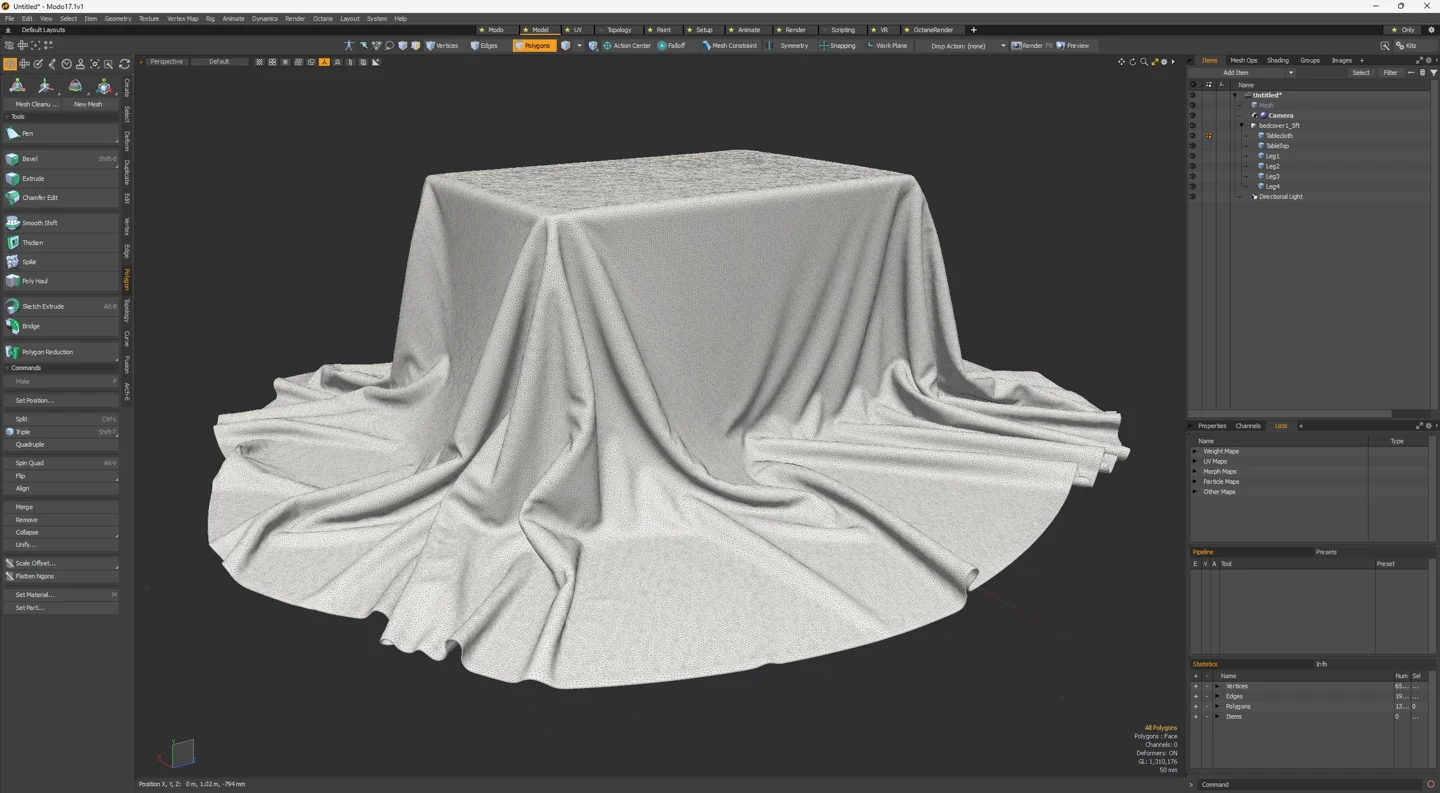
Dining and coffee tables, square, rectangular and round, with runners, or on your own table model.
Choose Hotel Neat, Lived-in or Messy, and cotton, linen, silk, velvet or sheer, with a fabric texture library.
OBJ, FBX and DAE with UVs and materials, units from mm to ft, and Y-up or Z-up.
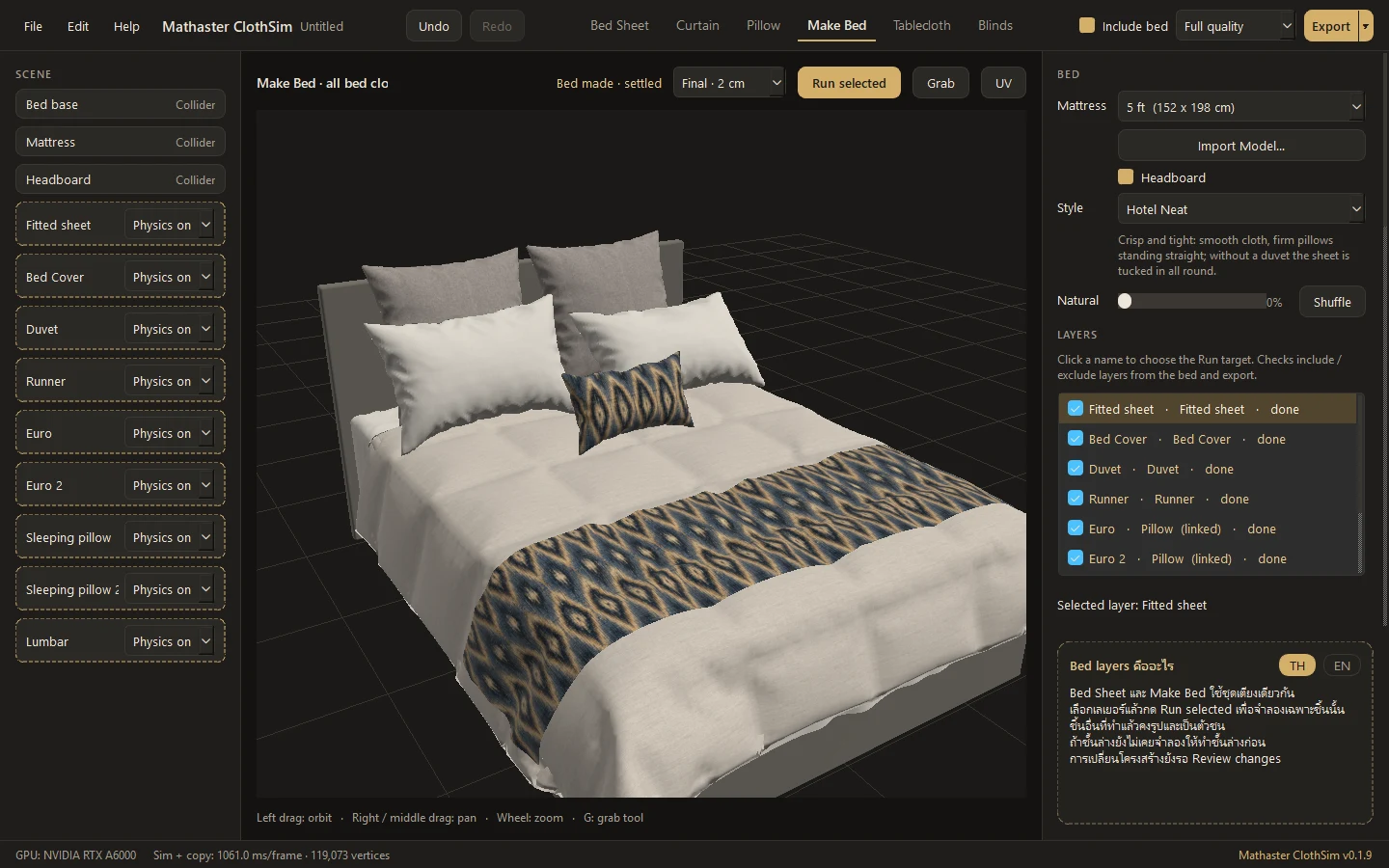
SMART MODEL WORKFLOW
Exports OBJ, FBX and DAE. Step-by-step guides for D5 Render, SketchUp and Blender are being verified.
GALLERY
PRICING
Free
For Windows. No account or email required.
Free TrialPerpetual license for up to 2 computers, such as a desktop and a laptop. Minor updates are free.
Terms of sale (no refunds, please try before you buy)
Purchasing opens soon.
Check SHA-256 in PowerShell:
Get-FileHash .\MathasterClothSim-*-Setup.exe -Algorithm SHA256
The trial download will be available without an account or email.
When the release is available, download the Windows installer here, check its SHA-256 hash and follow the installer prompts.
The installer is not yet digitally signed, so SmartScreen warns about unrecognized files. If you downloaded it here and the SHA-256 matches, click More info, then Run anyway.
Not yet. The cloth simulation runs on NVIDIA CUDA, so an NVIDIA GPU is required.
No. The trial works offline with every feature and no watermark. The 14 days count from the first launch on that computer.
No. Install the new version over the old one without uninstalling. Projects and license status are kept. Save your work and close the app first.
The app shows a license window with your machine code. When sales open, send the machine codes of up to 2 computers with your order. We will send one key per computer to paste in that window.
Keys are tied to a computer. If you change computers or reinstall Windows, uninstall from the old one and send us the new machine code by email or LINE. We will issue a new key.
Email or message us on LINE about installation, licensing or using the app.